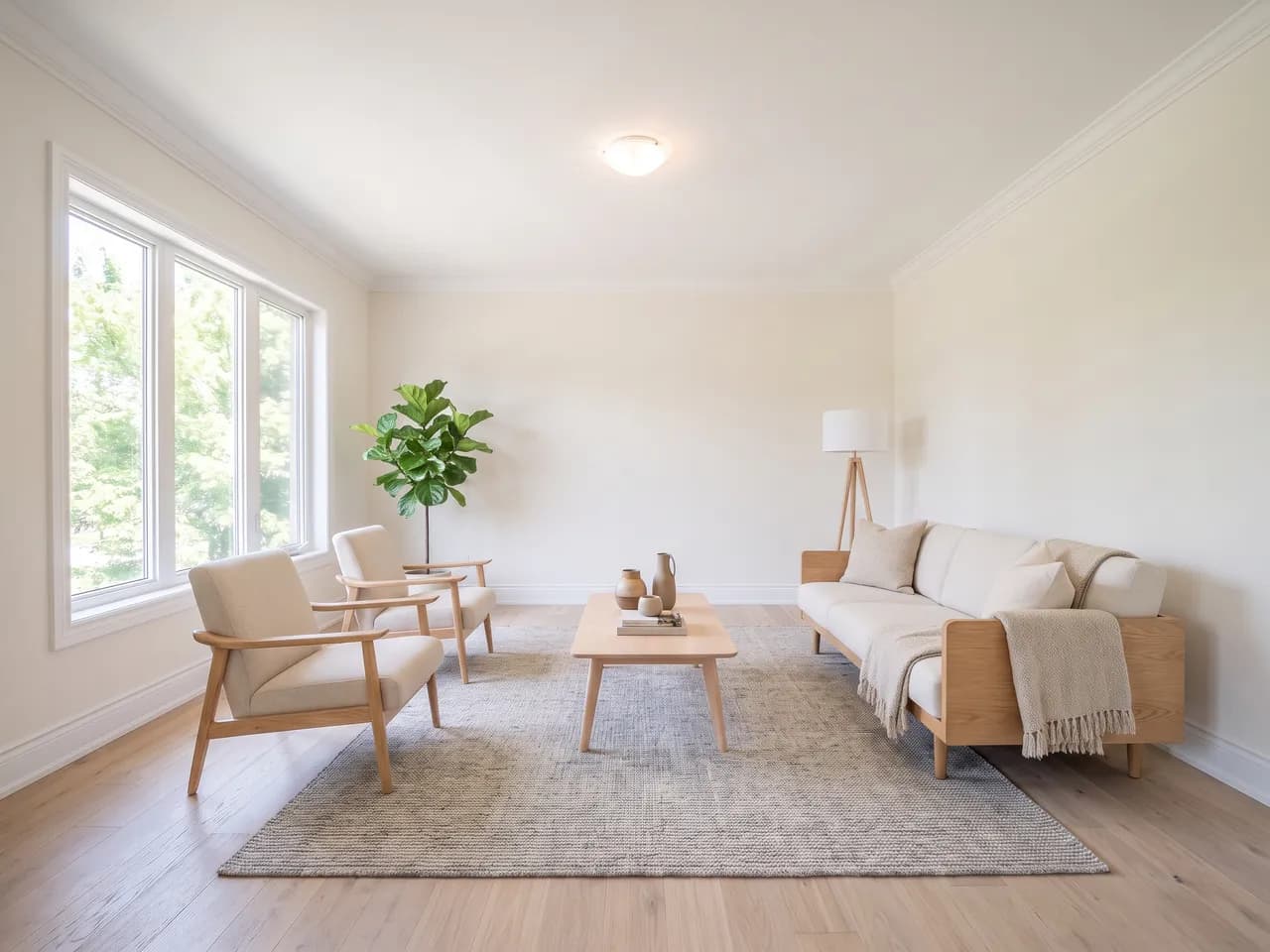
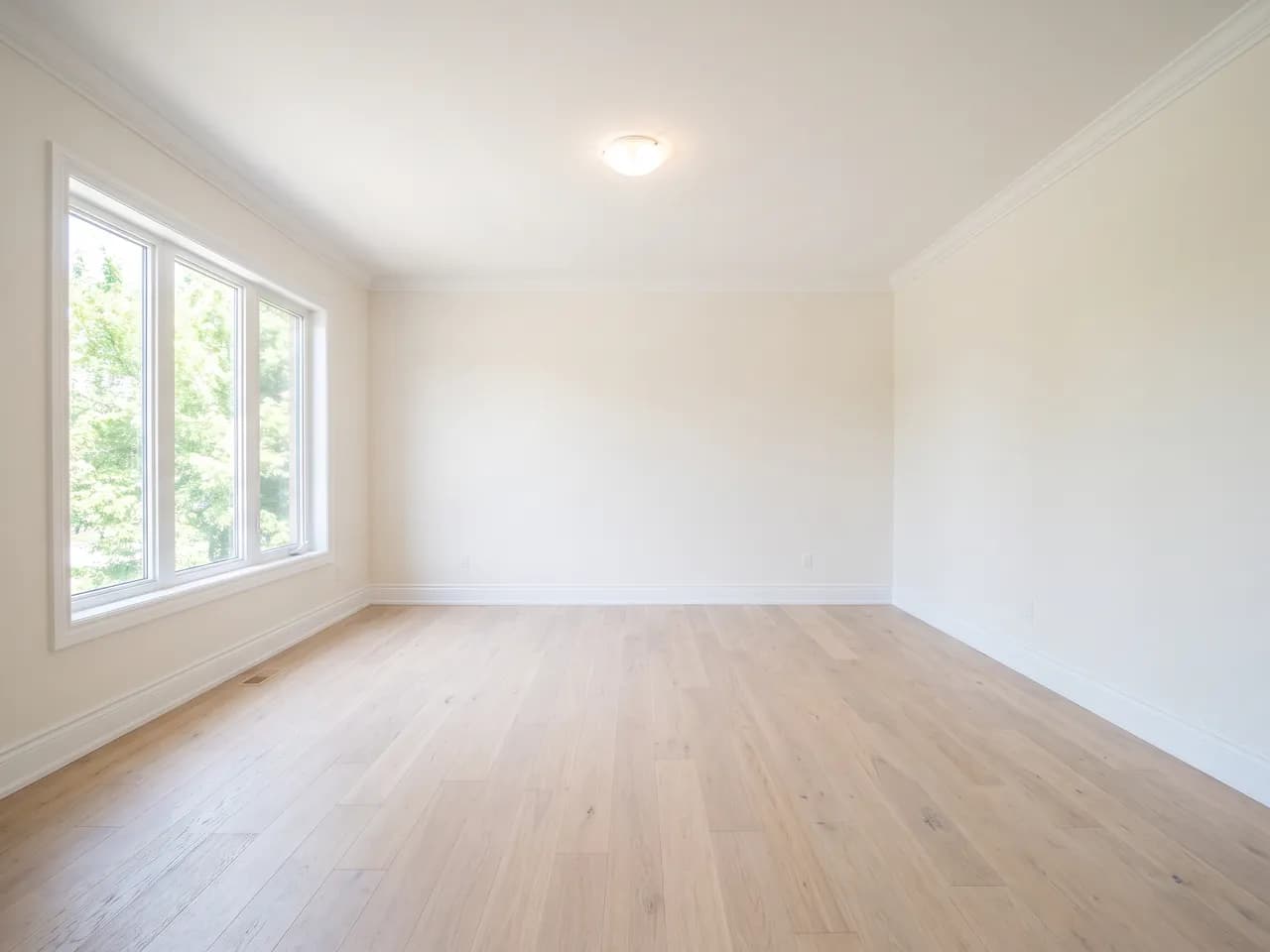
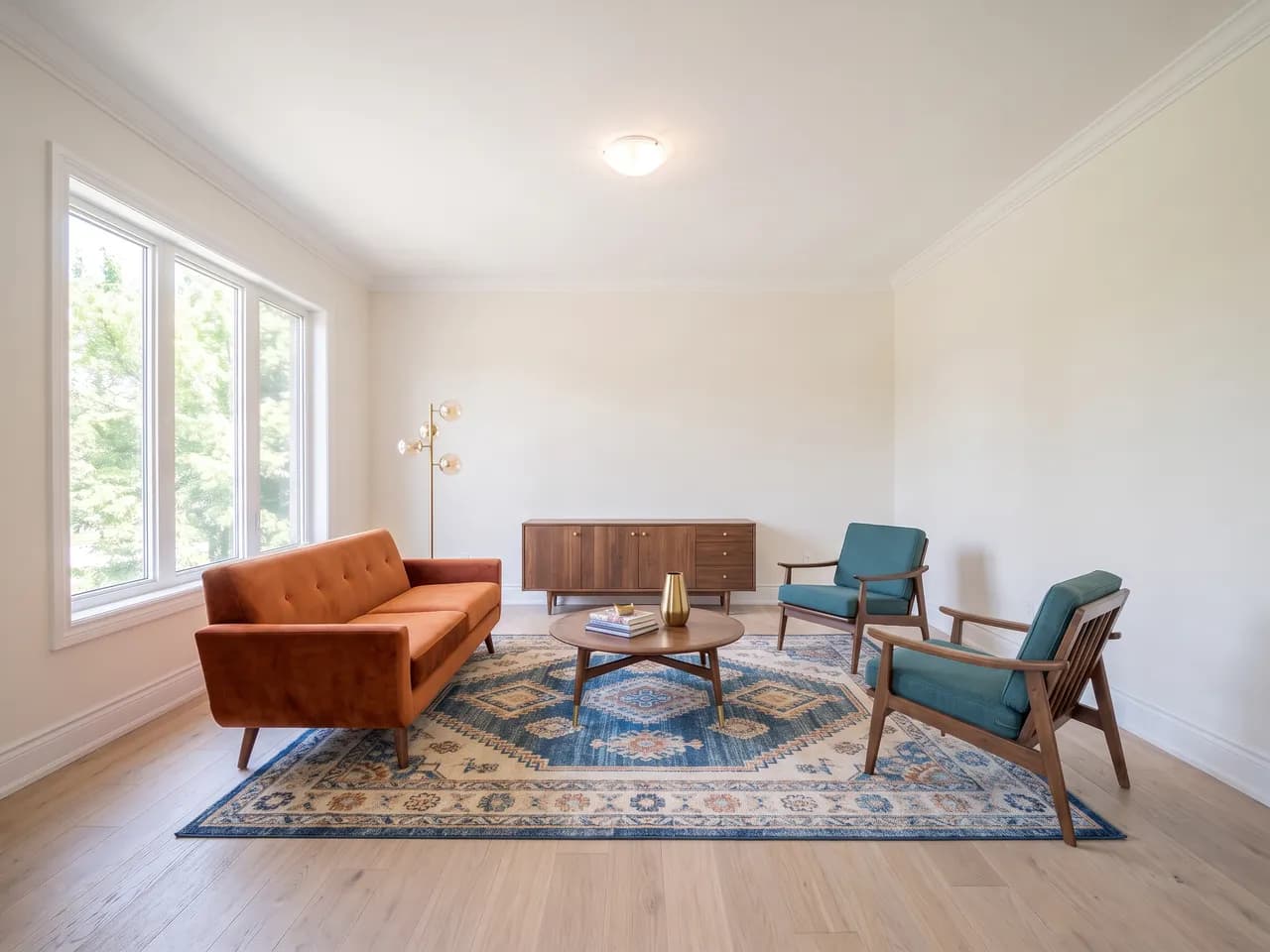
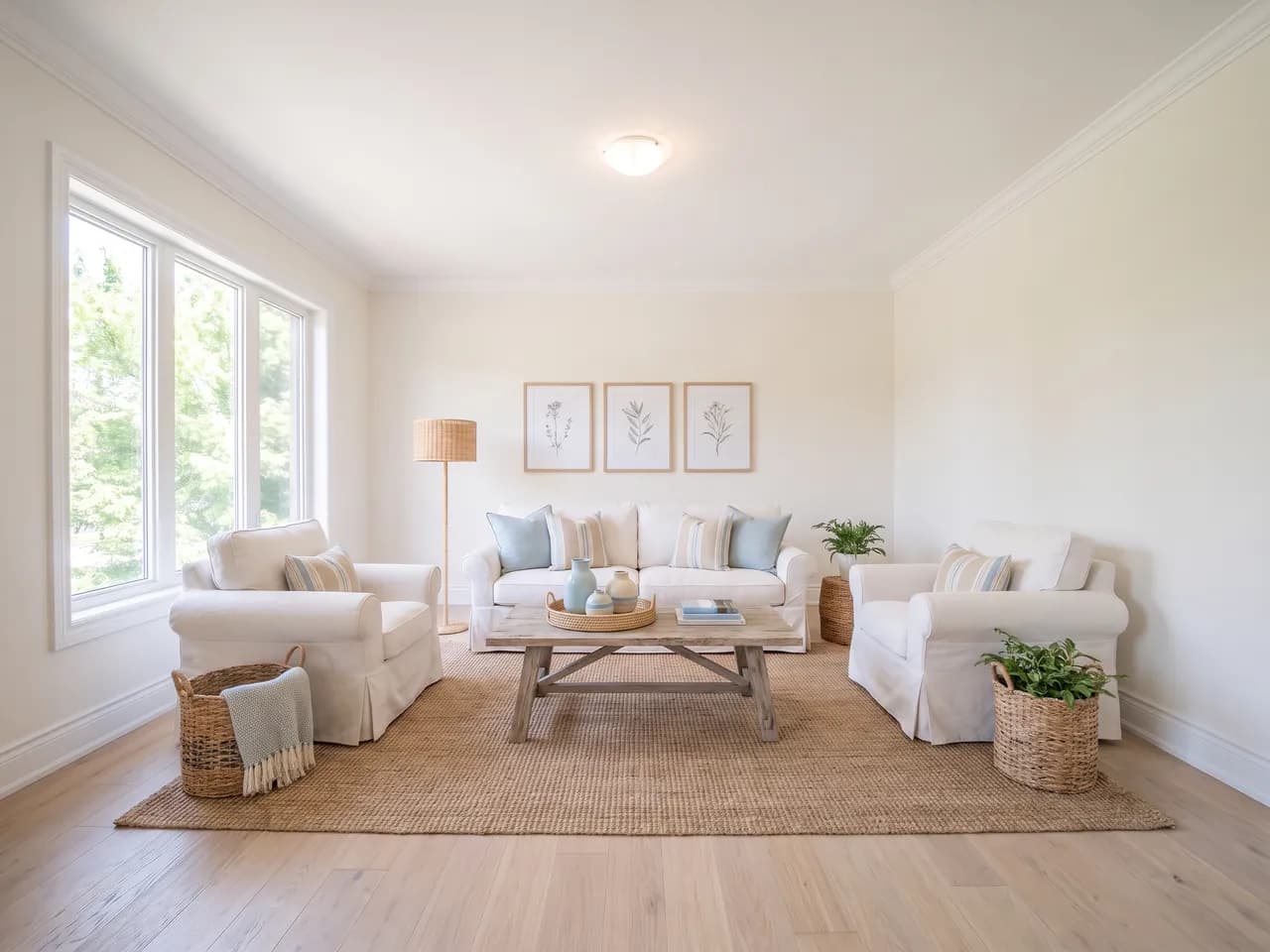
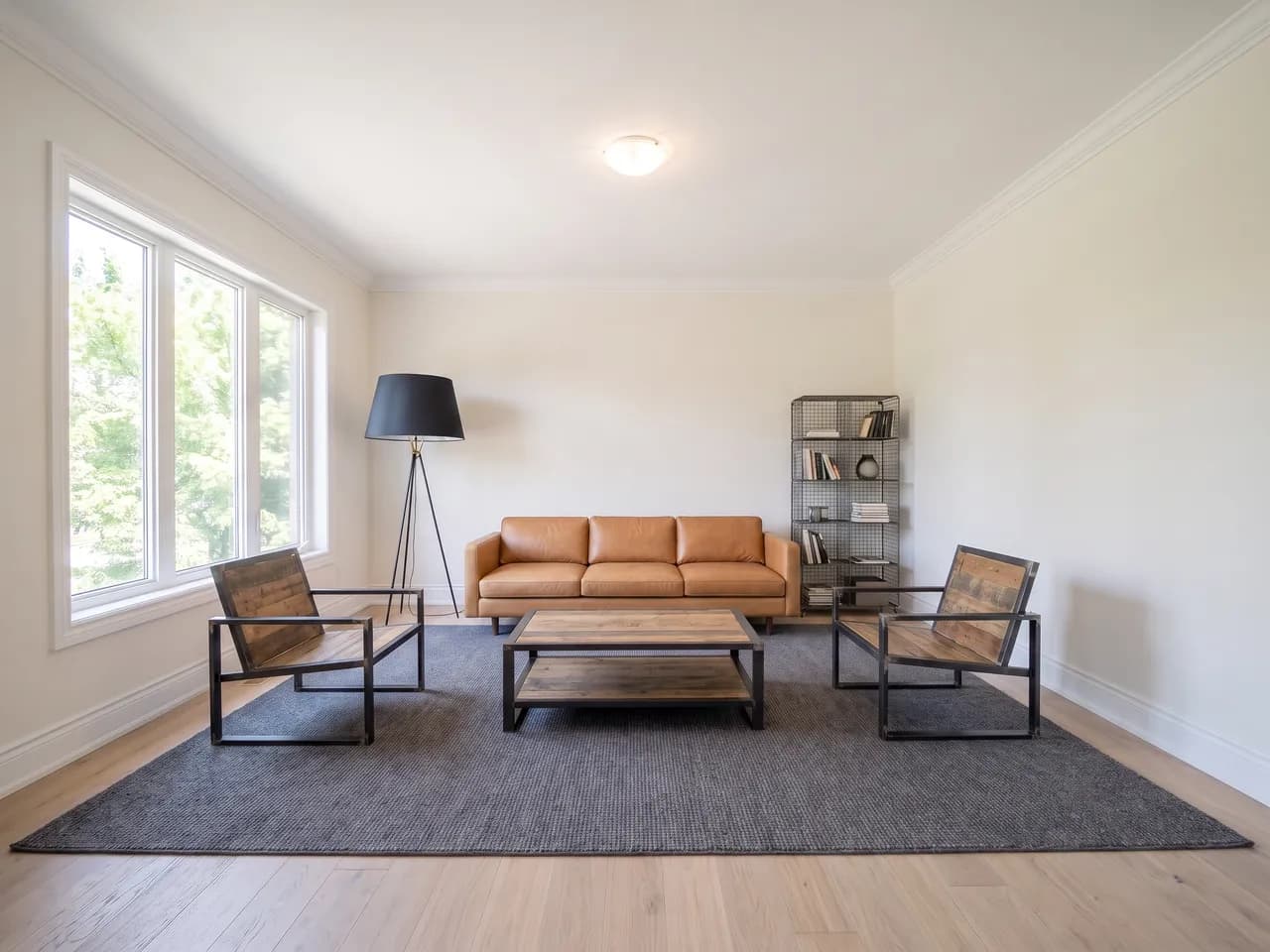
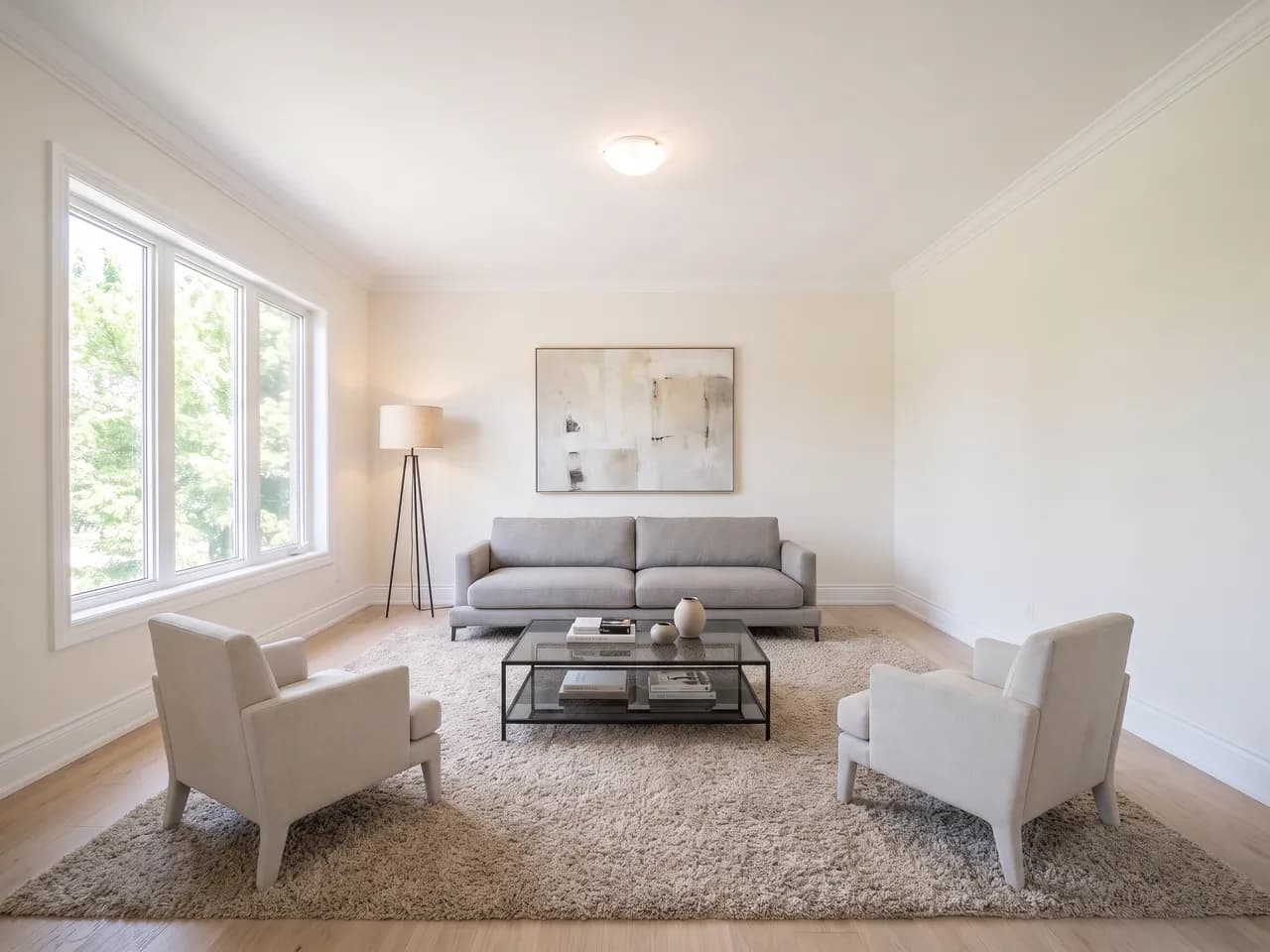
What kind of photo works best?
A straight, well-lit photo of an empty or nearly empty room, taken from a corner so two walls and the floor are visible. Ordinary wide-angle listing photos are ideal. Avoid heavy shadow, blown-out windows and motion blur.
Does it change the room itself?
No, and that is the point. Every prompt pins the walls, windows, doors, ceiling, floor surface, built-in fixtures, room proportions, camera angle and existing light. Only free-standing furniture and decor are added. A render that widens a room or adds a window is a failed run, not a feature.
Do I have to disclose that a photo is virtually staged?
Usually yes. Most MLSs and real estate boards require virtually staged photos to be labelled, and advertising rules in most of North America require that marketing not misrepresent a property. RoomStage never alters the architecture, which is the part those rules care most about, but making the disclosure is still yours to do. Check your local board's rules.
How long does it take?
Each render finishes in well under a minute. If you pick several styles they run one after another, and each one is saved as it completes.
What do I get back?
A full-resolution JPG per style, up to 4K, with no watermark. 4:3 for MLS and portal uploads, or 16:9 for hero images and video tours.
Is there a subscription?
No. RoomStage uses credits you buy as needed, and you are only charged for renders that complete. Failed and cancelled runs cost nothing.
Can I use the images in MLS listings and ads?
Yes. The renders are yours to use in listings, brochures, portals and social ads, subject to your board's disclosure rules. You are responsible for having the right to upload the source photo — if a photographer staging it, check your licence.
What happens to my uploaded photo?
It is stored so your renders can be regenerated or reviewed, and it is sent to the image model to produce them. It is not used to train anything. Deleting a render removes the upload behind it.